How to Use the Trade Journal Pro

In this article i explain how to use the trade journal located at https://www.tradecontrol.in/trading-journal
Good to know before start:
This journal works only on a desktop or a larger screen.
the journal is provided as is and no guarantee of any accuracy of the tool.
the data is stored in your local desktop or where ever from the place you access the tool. No data is shared with the website. If you lose access to your device, the data is lost forever. You need to back up the journal data using settings page "Export All Data" button.
Once you open the page first, visit the settings from the side bar.

Now click the Download Sample Journal button.
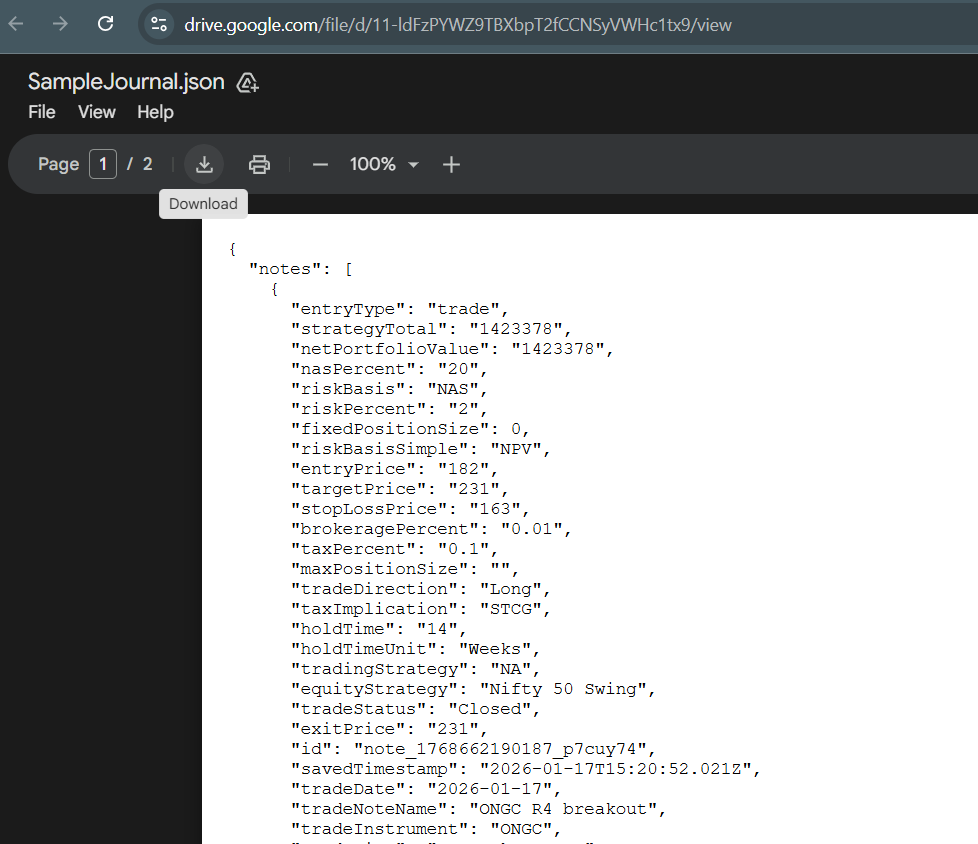
You shall be redirected to link
This is the sample journal json file, which you need to download first. This shall help you to understand how to use the journal.
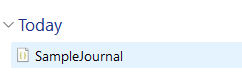
Once you download the file, it shall appear in your download folder


Click on Assets from the side bar menu. You shall be navigated to Assets Page.
On this page you can fill up your current Asset allocation, fill in the various trading or investing strategies you have and respective allocations for the same.
This shall help you in trade design and investment design. Do this with utmost care.

The sample journal data has filled in sample asset allocation, trade strategies and investment strategies. You can modify them or simply clear them and re do your allocations.
Next, go settings page and paste in your API key for the AI which you have a plan.
You may find perplexity API keys at https://www.perplexity.ai/account/api/keys
or gemini api keys at https://aistudio.google.com/api-keys
Paste those keys either Gemini or Perplexity or any other AI,


Now select Trade Entry from the side bar

You shall be shown to a page where you need to design your trade.
Mention some basic things like stock name, tax implication, allocation to trading or allocation to equity strategy etc..

Next, you may either manually fill in other details further or simply use AI Assist button and see the magic fill.

Now wait for atleast 30 seconds.. Let the AI do the magic. In this case, I have used Perplexity. It did a fill and here is the screen


Finally you do your own due diligence and proceed with saving the trade note as planned or open or executed.

You can track your trade positions in trade status and also open the saved trade notes to edit further.

In trade diary you can add in your day's decisions, your progress, what you planned, what worked, what new things you found, etc. this shall help you to track the past and find out eventually what actually works for you.

In Stock Radar section you can add in various watchlists, rename them, add in multiple stocks to track, add in notes for the stocks and much more.


Use Analyze my Trading Button to analyze your trading with help of AI !
The page shows various metrics to help you understand your trading performance.

The Portfolio page helps you to find out your net portfolio in equity and trading only. It finds out how much cash you have and how much is in market deployment.

Write your philosophy of trading, things to remember and much more. This helps you to know what is trading for you and what works for you.
That is it! this is the journal that helps you to manage the risk by making you size small, make trading systematic, focus on finding out which strategy works for you in moving money to your bank account, stop abrupt trading, reduce your losers, force you to make decision on trades which timed out, keep your asset allocation in check and help you to grow your wealth systematically.


Comments